How Our Install Works
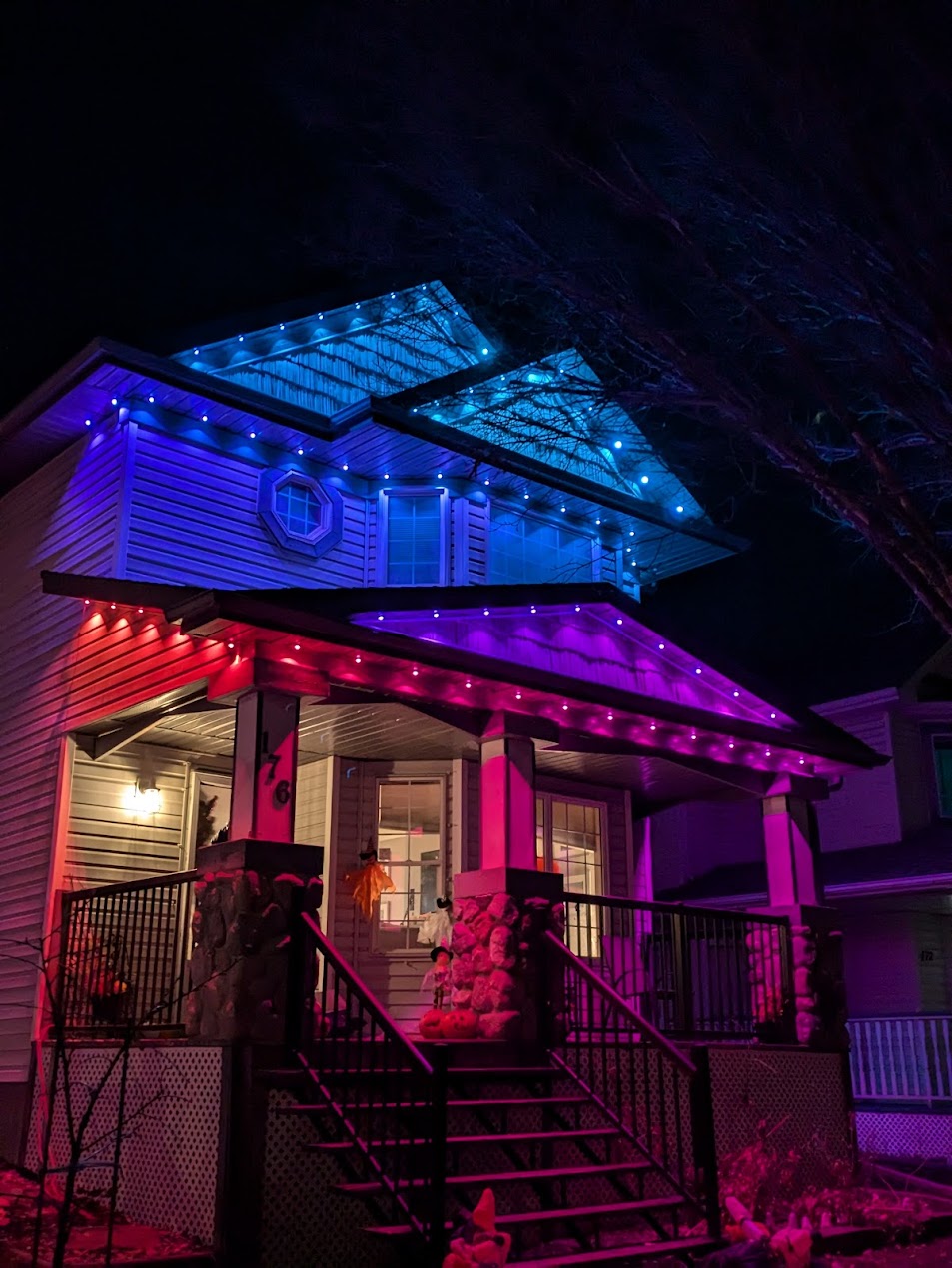
You bring the Govee kit—Permanent Lights 2 or Pro—and we take care of the tedious setup. Our crew maps your roofline, preps the surfaces, and mounts each segment with hardware suited to your fascia, soffits, and trim.
- Pre-install walk-through to confirm power and controller placement
- Cleaning and priming mounting surfaces for reliable adhesion
- Fasteners and clips added where factory hardware needs reinforcement
- Cable management and sealing for Calgary weather conditions
After installation we help you connect the Govee app, verify segments, and walk through presets so you’re ready for seasons, celebrations, or security lighting.
Permanent Lights 2 vs. Pro
Not sure which kit fits your home? Here’s a quick comparison based on what matters most to our clients.
Key Differences
- Brightness: Permanent Lights 2 output up to 40 lumens per node; Pro climbs to 50 lumens for stronger wall wash coverage.
- White quality: Permanent Lights 2 mix RGB for basic whites, while Pro adds dedicated 2700K–6500K LEDs for clean warm and cool tones.
- Customization: Permanent Lights 2 ship in fixed lengths (50/100/150 ft). Pro kits are cuttable and spliceable with waterproof connectors included.
- Coverage: One Permanent Lights 2 power supply drives up to 150 ft; the Pro power supply supports up to 200 ft on a single run.
Pick the Right Kit
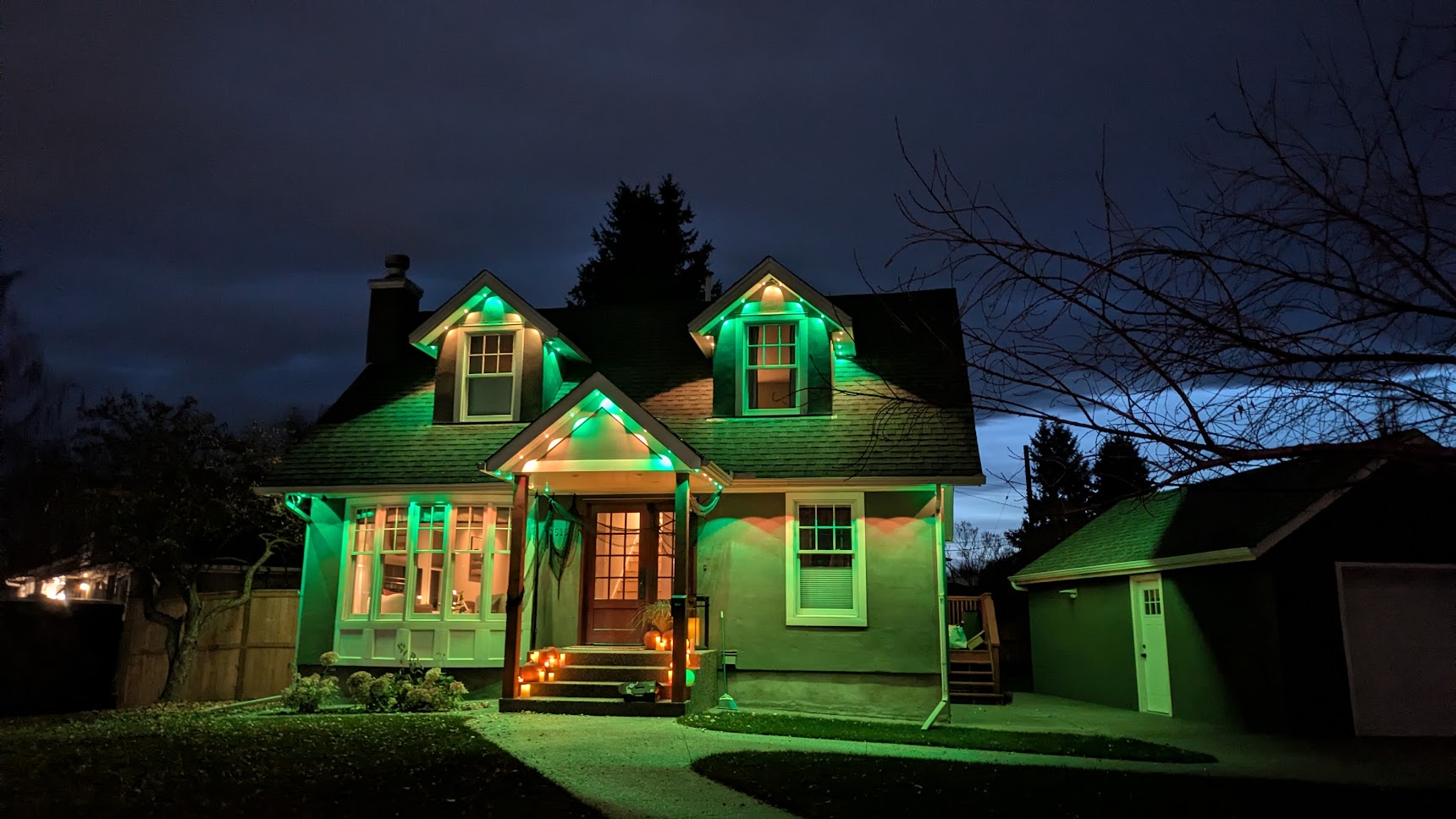
- Choose Permanent Lights 2 if your roofline fits the standard lengths and you’re focused on vibrant RGBIC scenes.
- Choose Permanent Lights Pro if you need precise segment lengths, the brightest output, or Matter-enabled smart home control.
- We review your layout during booking so you order the correct number of segments, extensions, and controllers.
What to Have Ready
- Keep the install area clear of obstacles—move vehicles, décor, and patio furniture away from work zones.
- Provide access to an outdoor power source that’s live and within reach of the controller location.
- Have all light segments, connectors, controllers, and accessories on-site.